# Subject Outline

## Overview

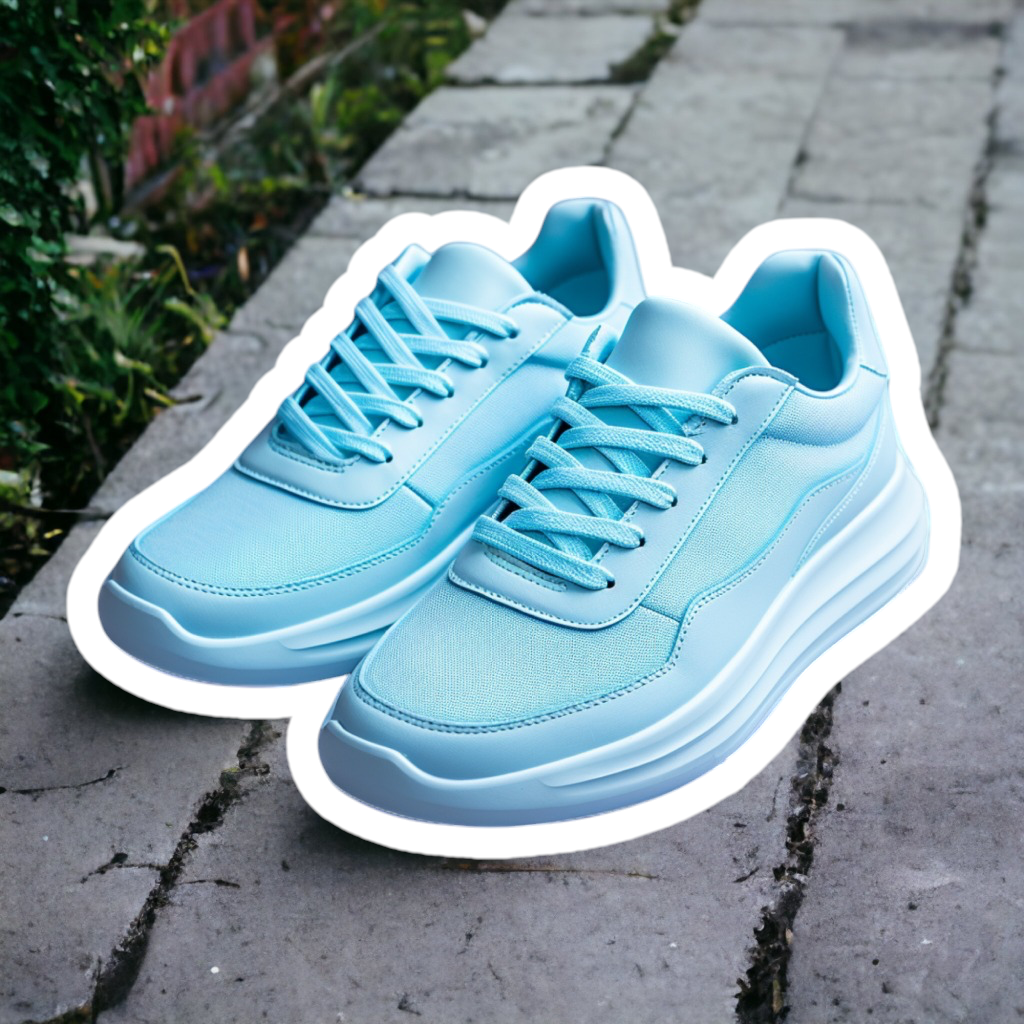
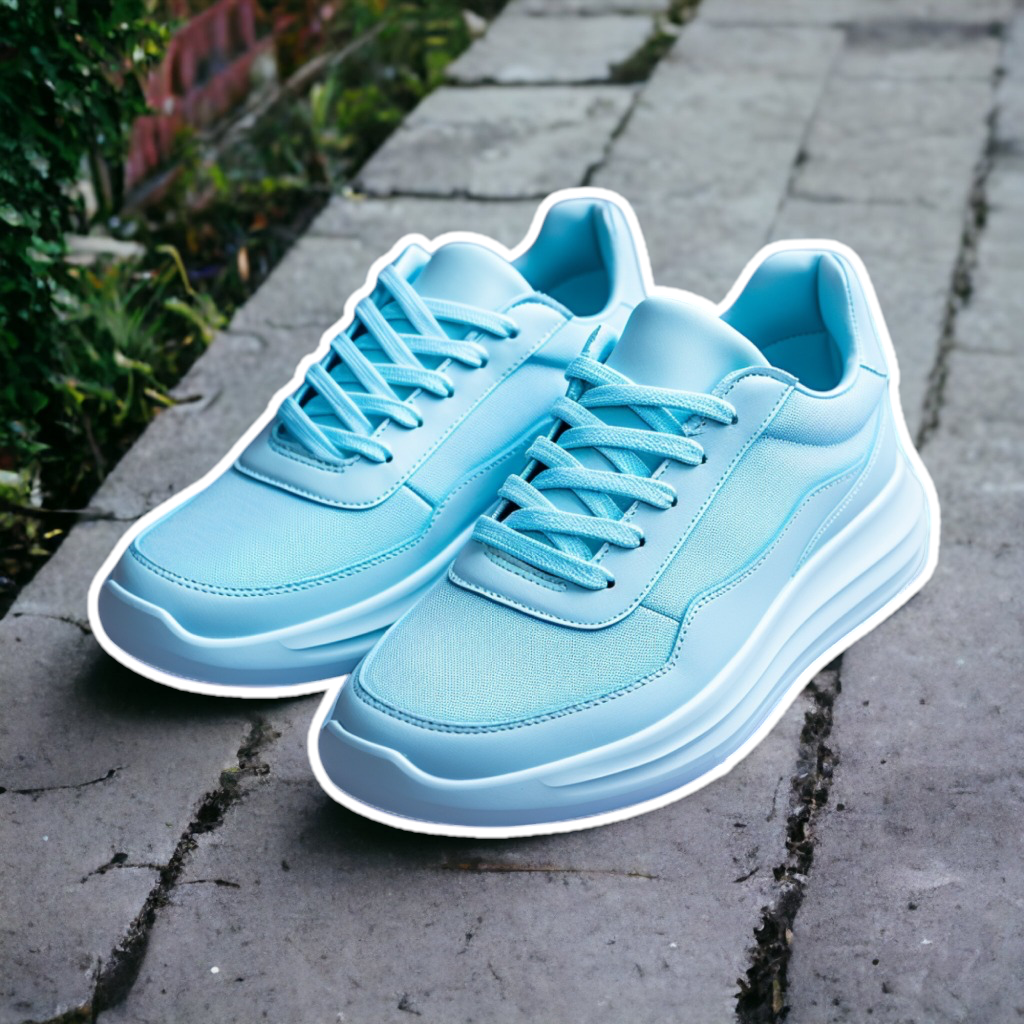
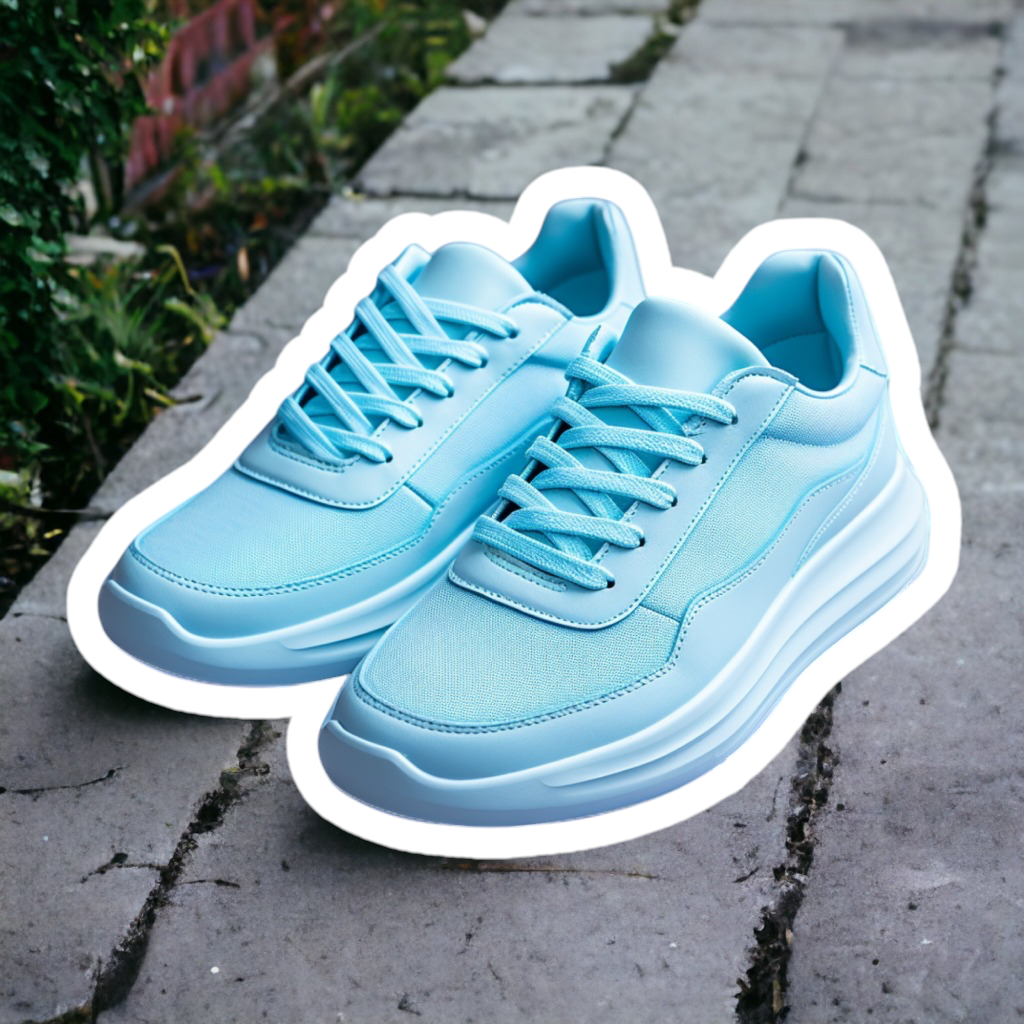
The Image Editing API allows you to easily add a **colored outline** around the subject of your images.

### `outline.color`

To add a **colored outline** to the subject of an image, set the `outline.color` argument to a solid color value.&#x20;

It can be any hexadecimal color code **without** the # symbol (examples: `FF0000`, `FF0000EE`) or a supported color name (see list below).

|                          *(original image)*                         |                        `outline.color=white`                        |
| :-----------------------------------------------------------------: | :-----------------------------------------------------------------: |
| <img src="/files/0ja2EeQ73sULO76l2FIb" alt="" data-size="original"> | <img src="/files/fOKkyK9JYjG3lrdxWfCK" alt="" data-size="original"> |

<details>

<summary>List of supported color names</summary>

* `aqua`
* `black`
* `blue`
* `cyan`
* `fuchsia`
* `gray`
* `green`
* `lime`
* `magenta`
* `maroon`
* `navy`
* `olive`
* `purple`
* `red`
* `silver`
* `teal`
* `white`
* `yellow`

</details>

{% hint style="warning" %}
To preserve the background, you must also set `removeBackground` to `false`.
{% endhint %}

If you want to give it a try, here is a code snippet to reproduce the example above:

```bash
curl --request POST \
 --url 'https://image-api.photoroom.com/v2/edit' \
 --header 'x-api-key: YOUR_API_KEY_HERE' \
 --form 'imageFile=@"/path/to/image.png"' \
 --form 'outline.color="white"' \
 --form 'referenceBox="originalImage"' \
 --form 'removeBackground="false"' \
 --output result.png
```

<a href="https://try-api.photoroom.com/?outline.color=white&#x26;referenceBox=originalImage&#x26;removeBackground=false" class="button primary">Try it now!</a>

## Additional Parameters

### `outline.width`

To control the width (thickness) of the outline, set the argument `outline.width` to a value between `0` and `0.1`.

The value represents a ratio of the image size, where `0.1` (10%) is the maximum thickness.

When this argument is not provided, the API applies a default value of `0.03`.

**Suggested values:**

* `0.01-0.02`: Subtle/thin outline
* `0.03-0.05`: Standard/medium outline
* `0.06-0.1`: Bold/thick outline

|                         `outline.width=0.01`                        |                         `outline.width=0.03`                        |        `outline.width=0.1`       |
| :-----------------------------------------------------------------: | :-----------------------------------------------------------------: | :------------------------------: |
| <img src="/files/Pvn47Ddms8rtH8VhXmAh" alt="" data-size="original"> | <img src="/files/sNDs4kSMDGqClEgaEUAg" alt="" data-size="original"> | ![](/files/8Yx7NtbhVTeLotMhd7yH) |

### `outline.blurRadius`

You can apply blur to the outline to create a glow or soft edge effect.

To control the blur strength of the outline, set the `outline.blurRadius` argument to a value between `0` (no blur) and `0.025` (maximum blur).

When this argument is not provided, the API applies a default value of `0`.

|      `outline.blurRadius=0`      |     `outline.blurRadius=0.01`    |    `outline.blurRadius=0.025`    |
| :------------------------------: | :------------------------------: | :------------------------------: |
| ![](/files/WwFyZ0JWhZq8e5qF7JoU) | ![](/files/RBvBOjhNodWoc0CQGBFm) | ![](/files/5KRacpdOx4rwRn8Jkoeq) |

## Examples

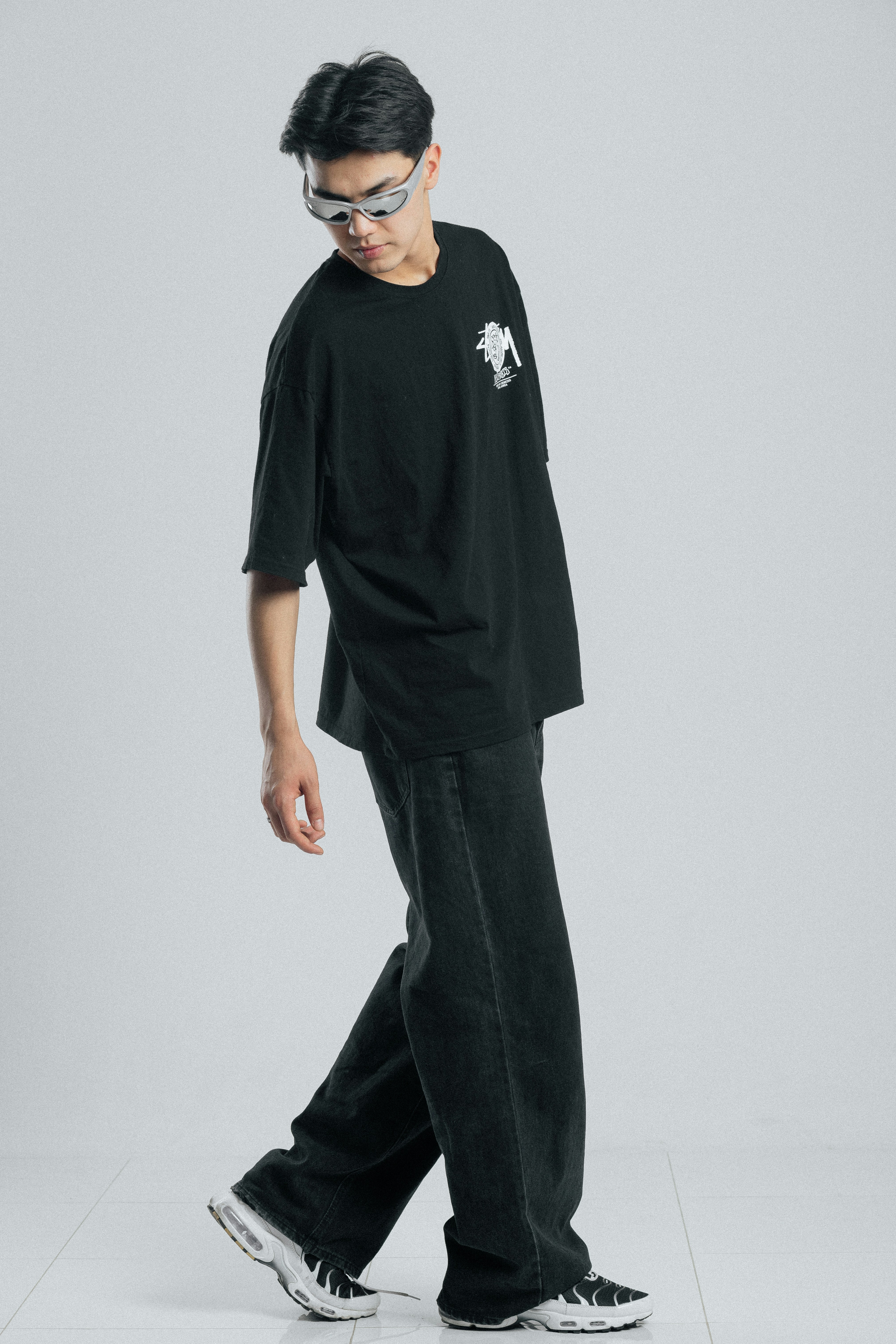
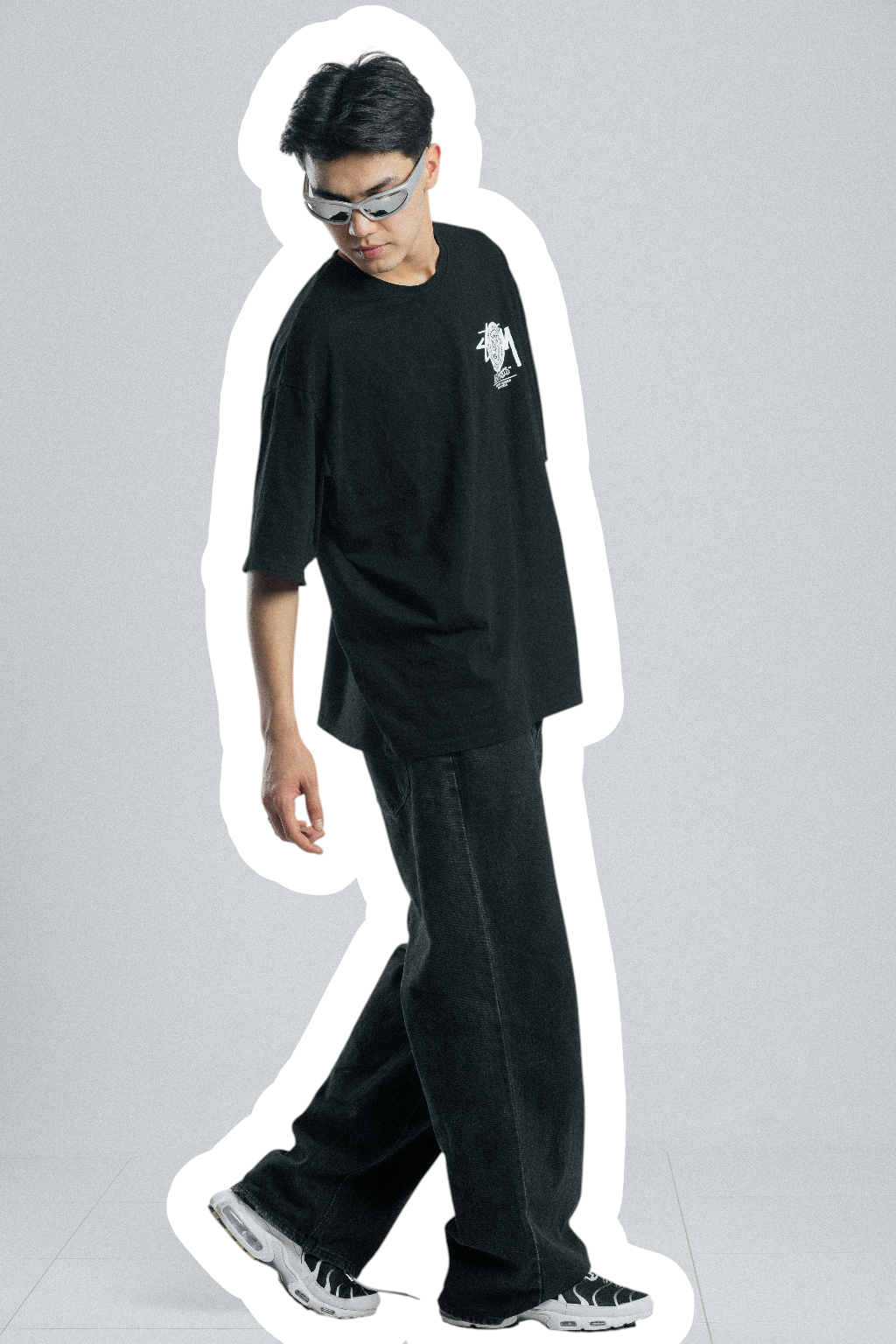
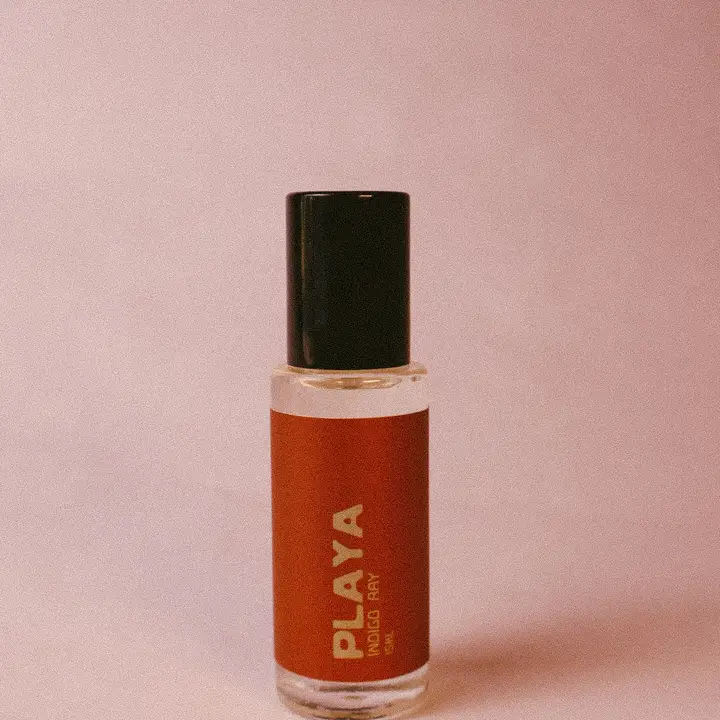
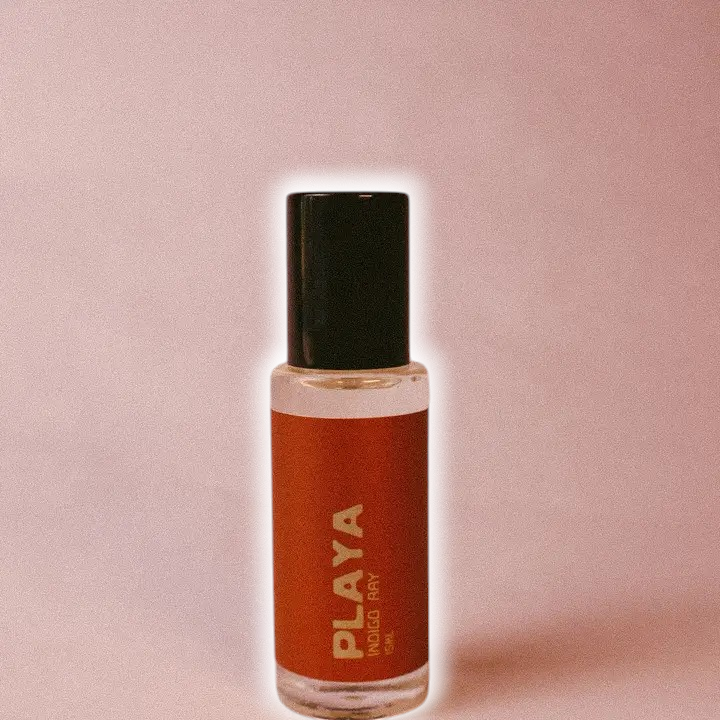
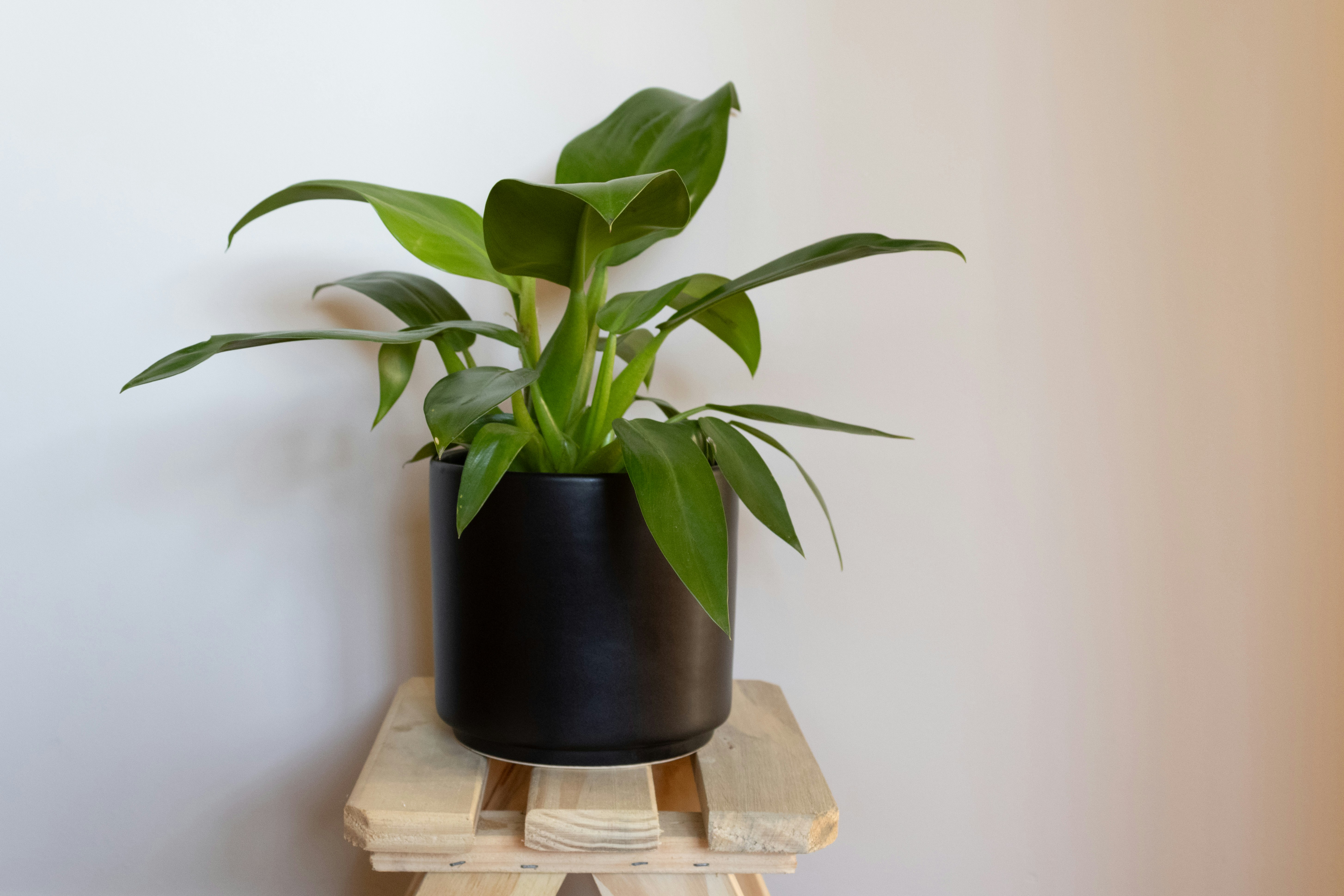
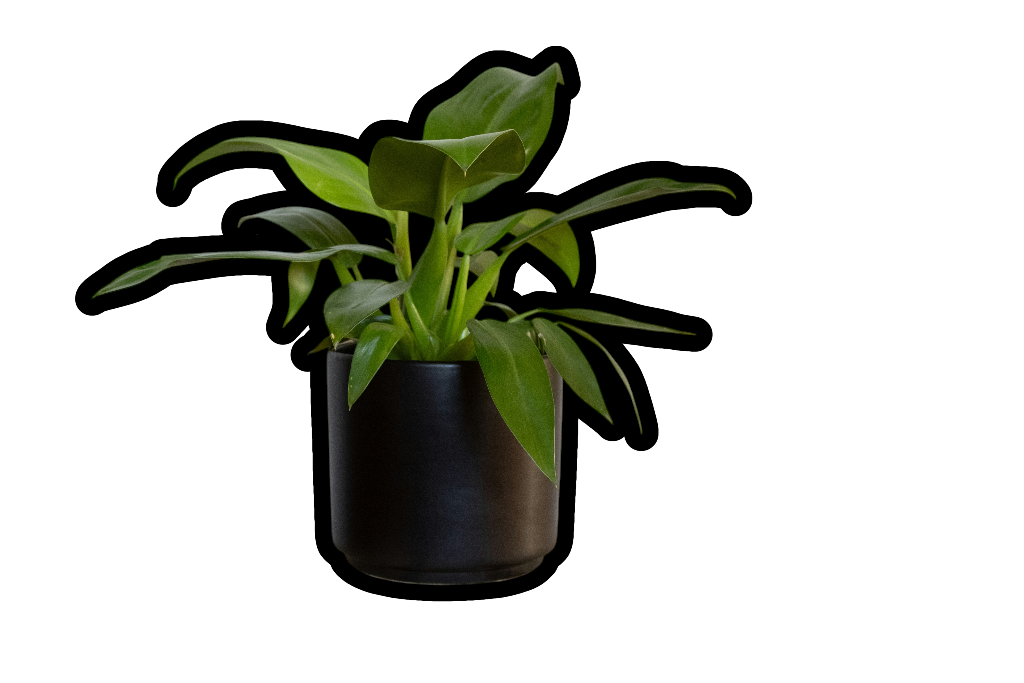
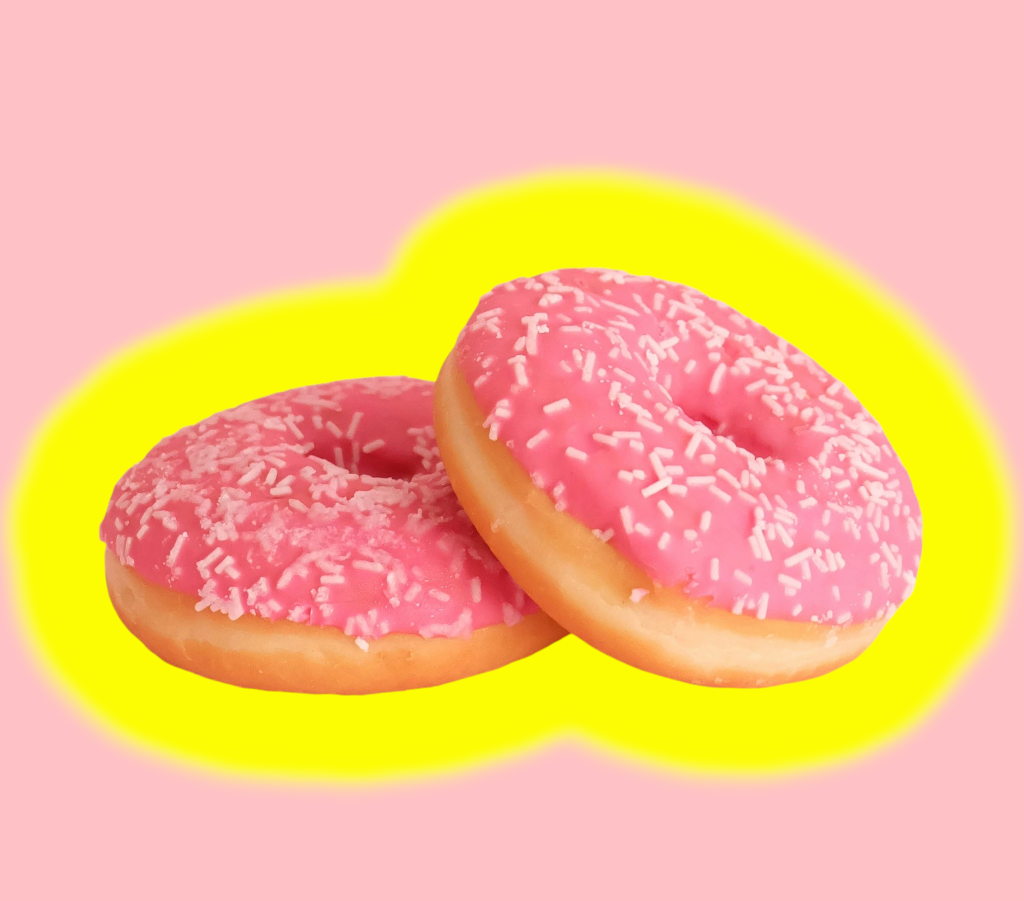
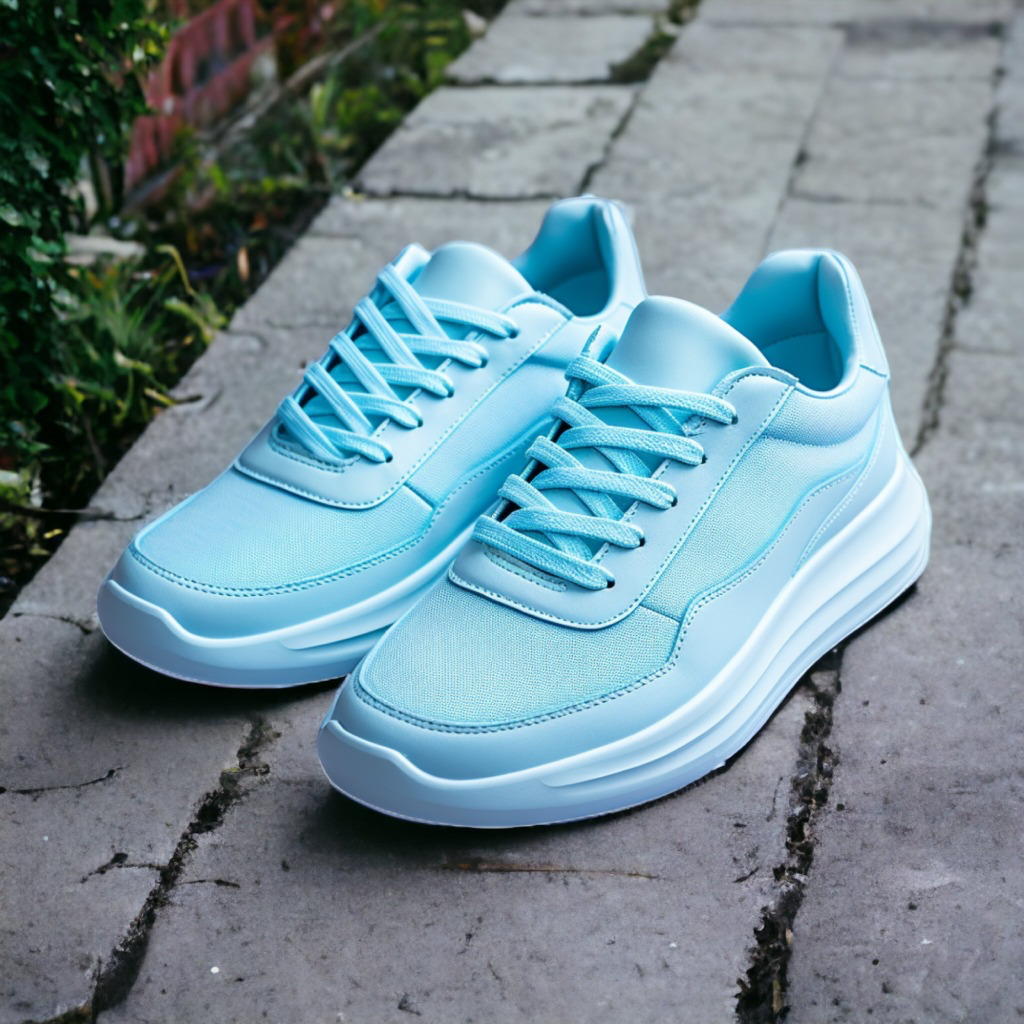
<table data-header-hidden><thead><tr><th align="center" valign="top"></th><th align="center" valign="top"></th></tr></thead><tbody><tr><td align="center" valign="top"><em>(original image)</em></td><td align="center" valign="top"><em>(edited image)</em></td></tr><tr><td align="center" valign="top"><img src="/files/DuCdbL7IIfRllI3rFMxF" alt="" data-size="original"></td><td align="center" valign="top"><img src="/files/HXj43SRMWR0jco3oM4Zn" alt=""><br><br><code>outline.color=white &#x26; outline.width=0.03 &#x26; removeBackground=false</code> </td></tr><tr><td align="center" valign="top"><img src="/files/rRyEVokRNalrS4qQryLQ" alt="" data-size="original"></td><td align="center" valign="top"><img src="/files/NVsfnhtkZqJHDZMksEiW" alt="" data-size="original"><br><br><code>outline.color=white &#x26; outline.width=0.02 &#x26; outline.blurRadius=0.02 &#x26; removeBackground=false</code></td></tr><tr><td align="center" valign="top"><img src="/files/JnEAJ8HleEgiU4PCrQET" alt="" data-size="original"></td><td align="center" valign="top"><img src="/files/iSi8PTTA3UWfngQxfmI4" alt=""><br><br><code>outline.color=black &#x26; outline.width=0.02 &#x26; removeBackground=true</code></td></tr><tr><td align="center" valign="top"><img src="/files/WgBB4brFQL62H2TOow5s" alt="" data-size="original"></td><td align="center" valign="top"><img src="/files/e0Z3PHeZIbQROoTXJBjg" alt=""><br><br><code>outline.color=fcfc03 &#x26; outline.width=0.1 &#x26; outline.blurRadius=0.01 &#x26; removeBackground=false</code>    </td></tr></tbody></table>


---

# Agent Instructions: Querying This Documentation

If you need additional information that is not directly available in this page, you can query the documentation dynamically by asking a question.

Perform an HTTP GET request on the current page URL with the `ask` query parameter:

```
GET https://docs.photoroom.com/image-editing-api-plus-plan/subject-outline.md?ask=<question>
```

The question should be specific, self-contained, and written in natural language.
The response will contain a direct answer to the question and relevant excerpts and sources from the documentation.

Use this mechanism when the answer is not explicitly present in the current page, you need clarification or additional context, or you want to retrieve related documentation sections.